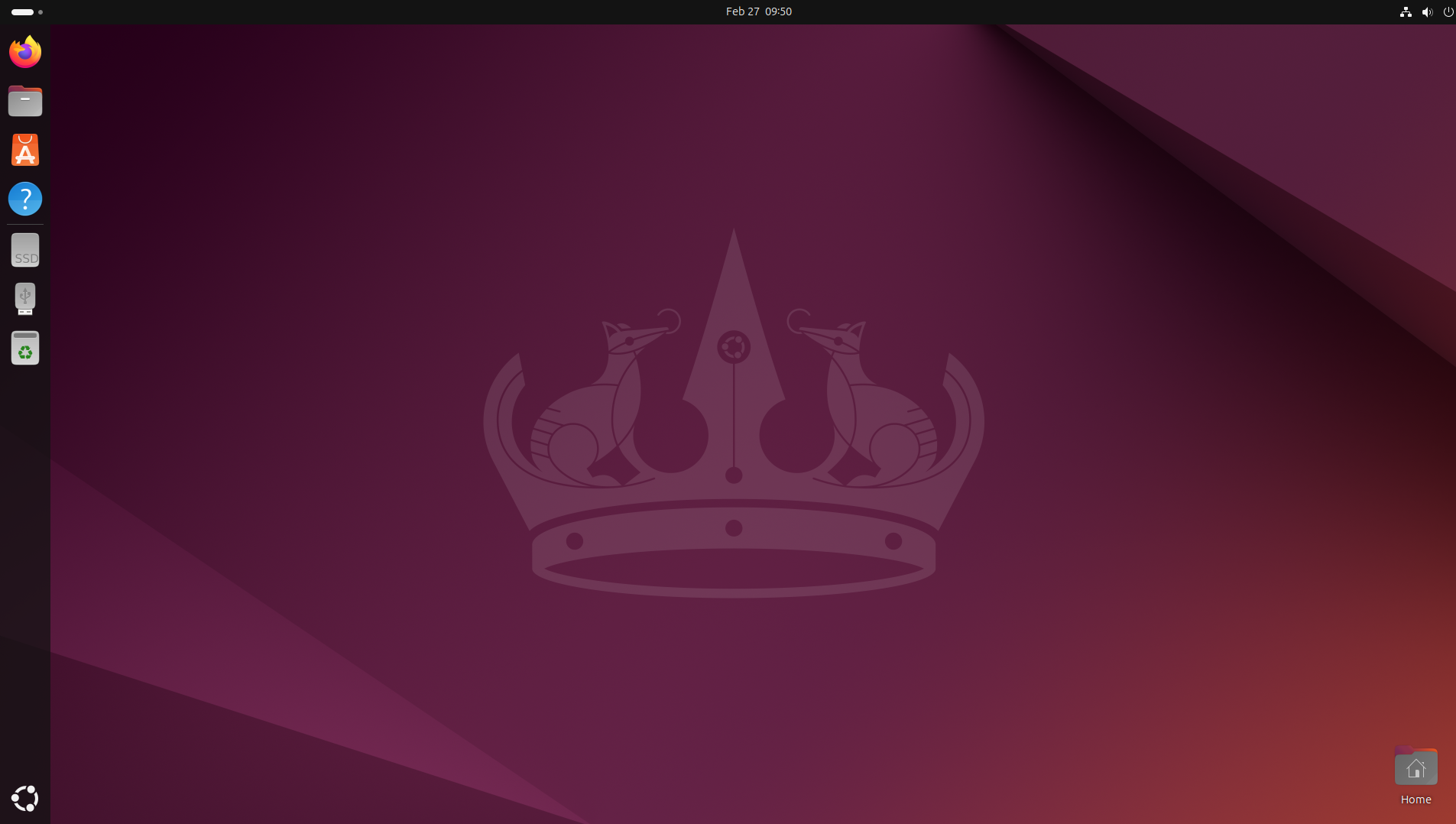
1) Open the application center on the Ubuntu desktop on the vertical dashboard with the orange suitcase and an A.
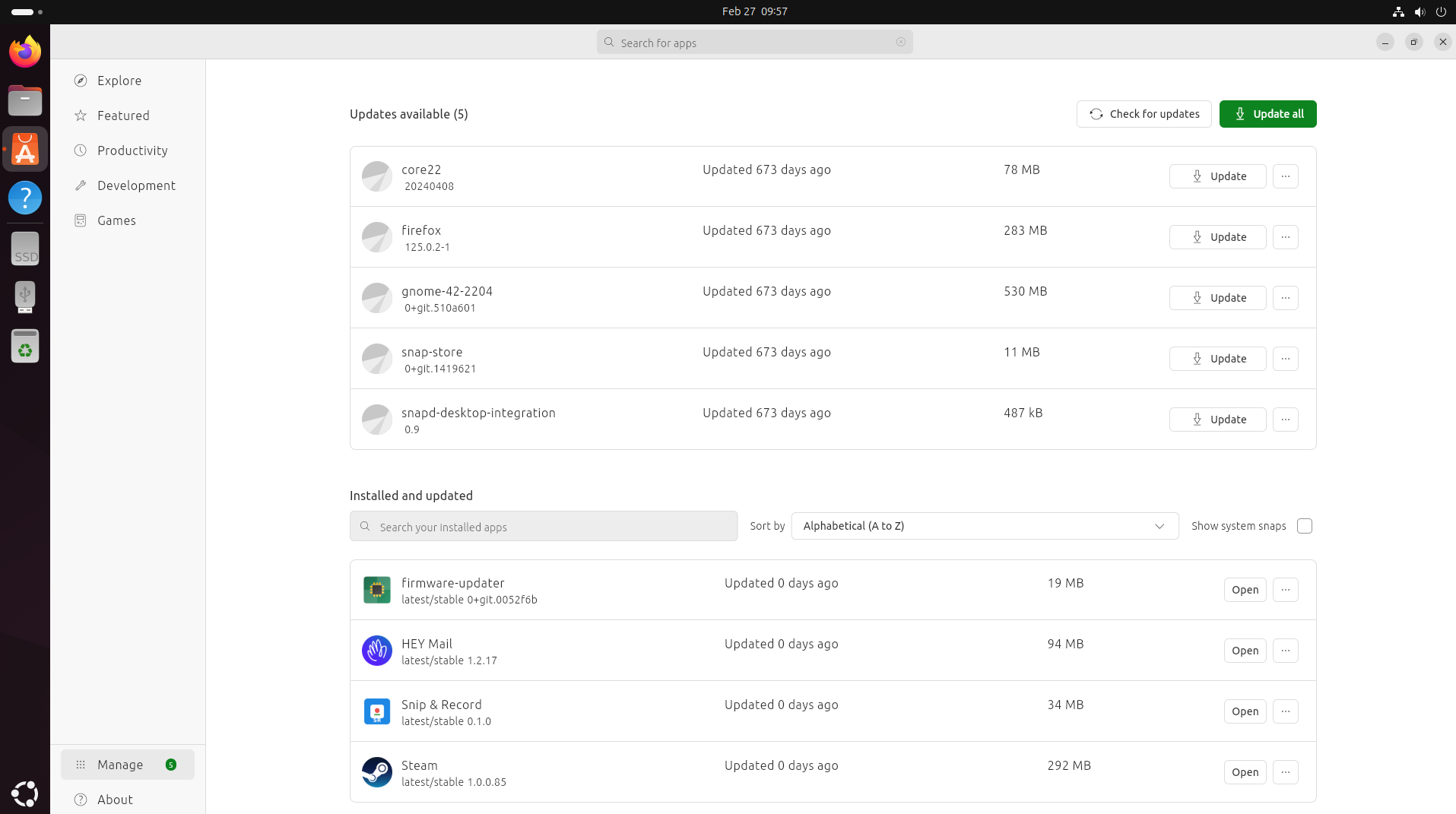
2) Click the Manage asset in the bottom left corner to display all installed applications that can be removed within the App center
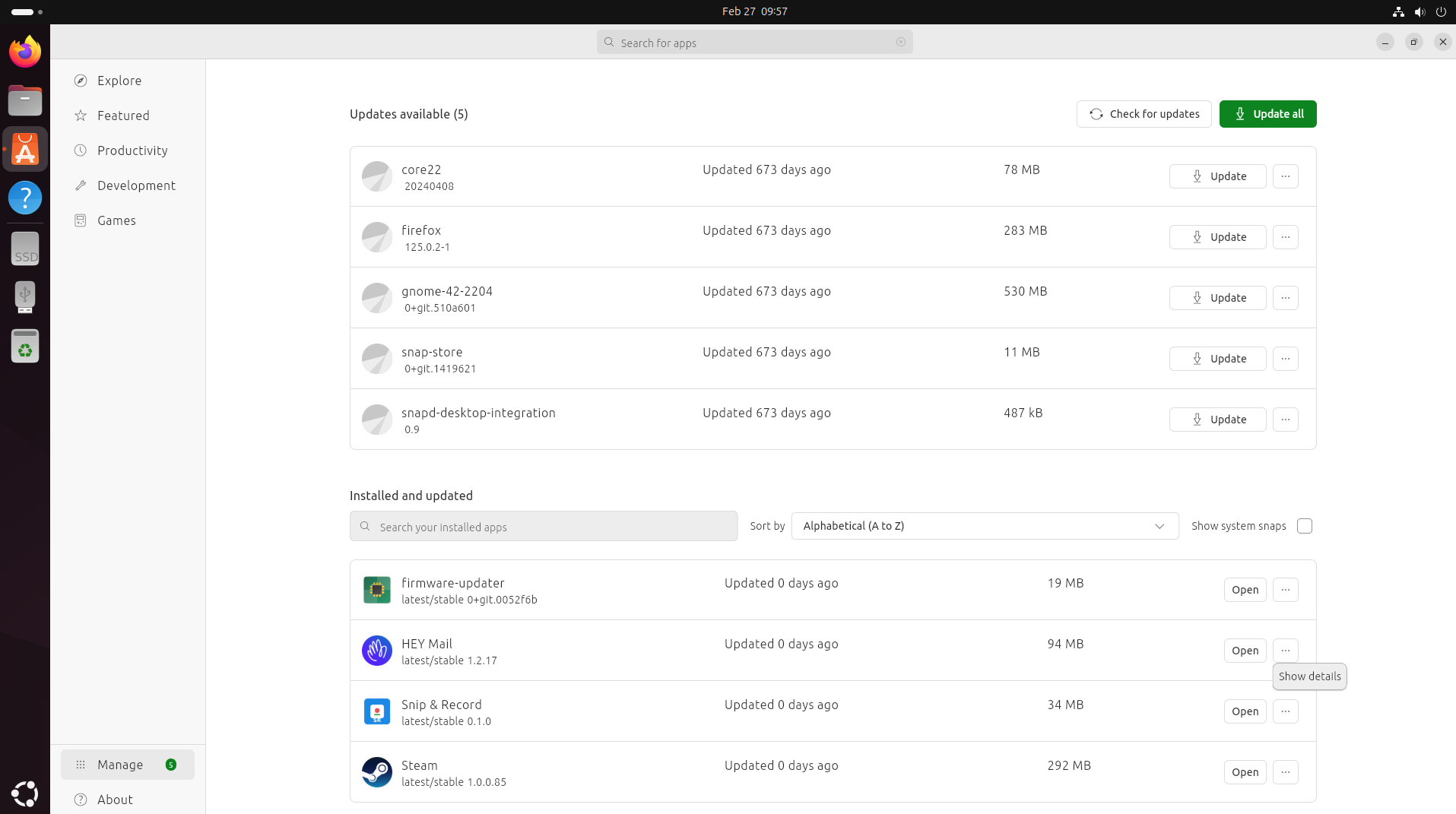
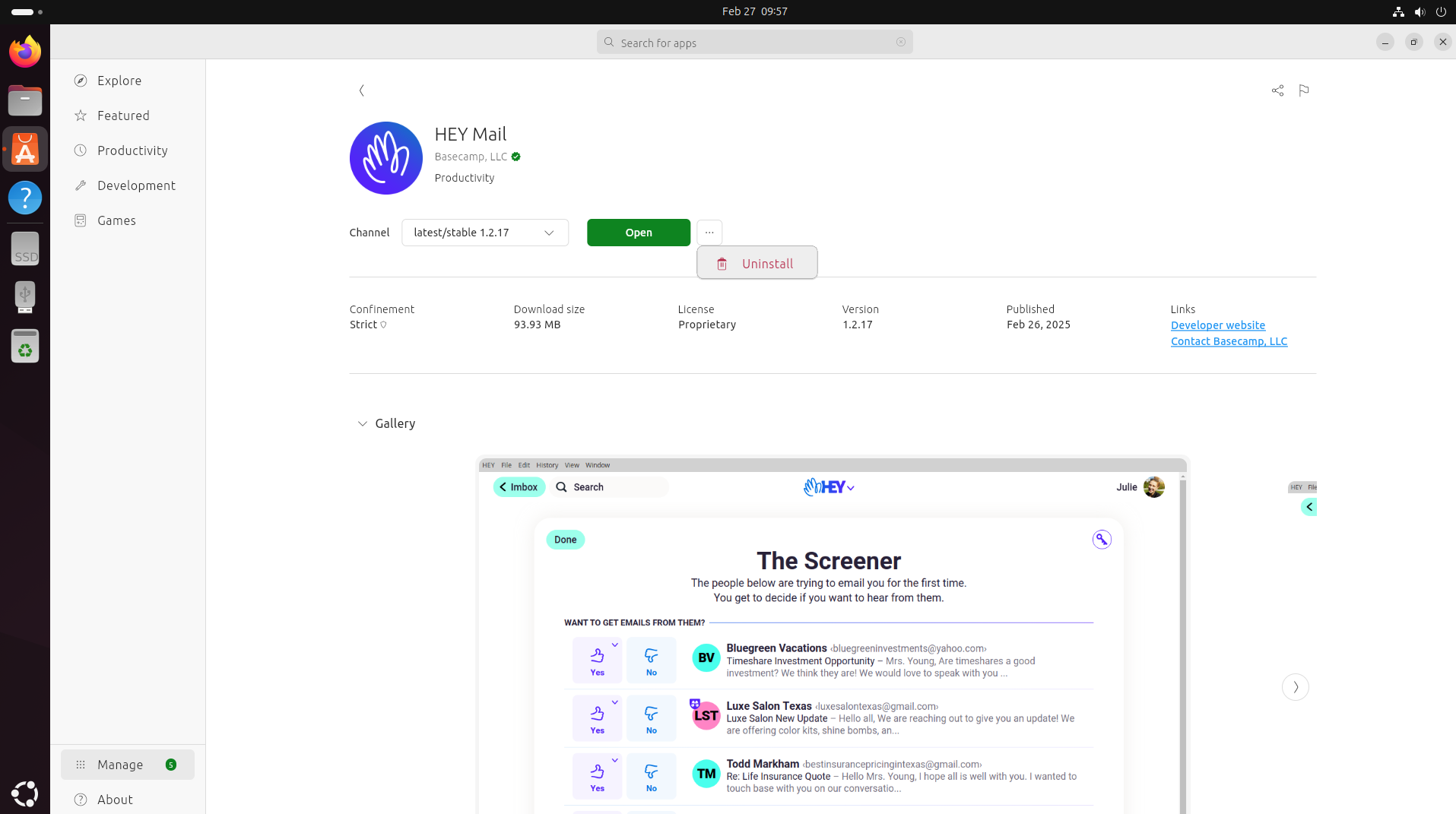
3) Select an application and switch to the show details point with the three dots to access the menu where applications can be installed and then click the three dots to unistall the application